Tailorsim
Patterns on screen — stitch, then cloth on a body
Draft 2D patterns, align seams, and form 3D fabric shapes directly in a web browser.
Studio in the browser
Pattern · seams · cloth on a body
Three steps to cloth on a body
Draft. Stitch. Then see the cloth.
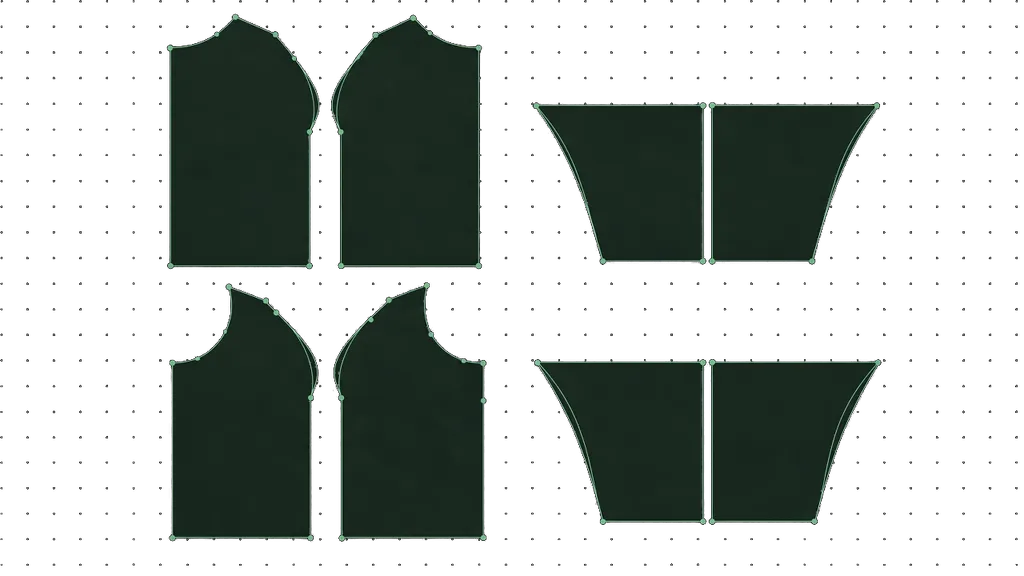
Draft panels on digital paper
Place points, drag curves, front–back layers — real centimeters
Stitch edges into a garment
Pair panel edges into seams — without valid seams, drape stays locked
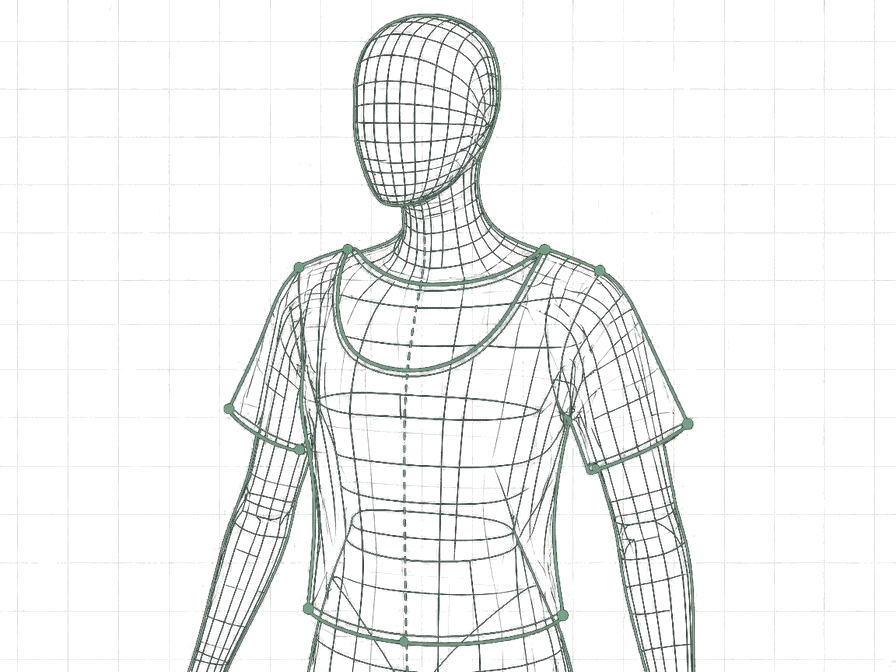
See cloth on a mannequin in-tab
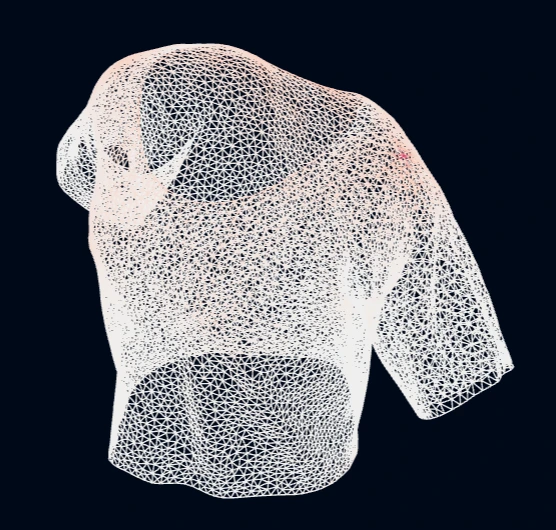
Simulate in the browser or on the server, then review in the viewer
2D pattern
Draft on digital paper — real centimeters
Edit points, move, insert, delete — quadratic / cubic / circle curves per the original spec. Long undo.
- Close panels · quick rectangles · cross warnings
- cm grid · edge snap · alignment guides
- Front–back on one screen · copy · mirror
2D pattern
Seam to cloth
Stitch first — then drape
On-screen seam cords are the garment contract. Run a drape, see cloth on the body, tune cotton/denim, and inspect heatmaps in-tab.
- Pair edges · reverse · length mismatch warnings
- 3D preview before drape · 2D‖3D layout
- In-browser sim, or fall back to the server
Seam to cloth
3D preview before drape · 2D‖3D layout
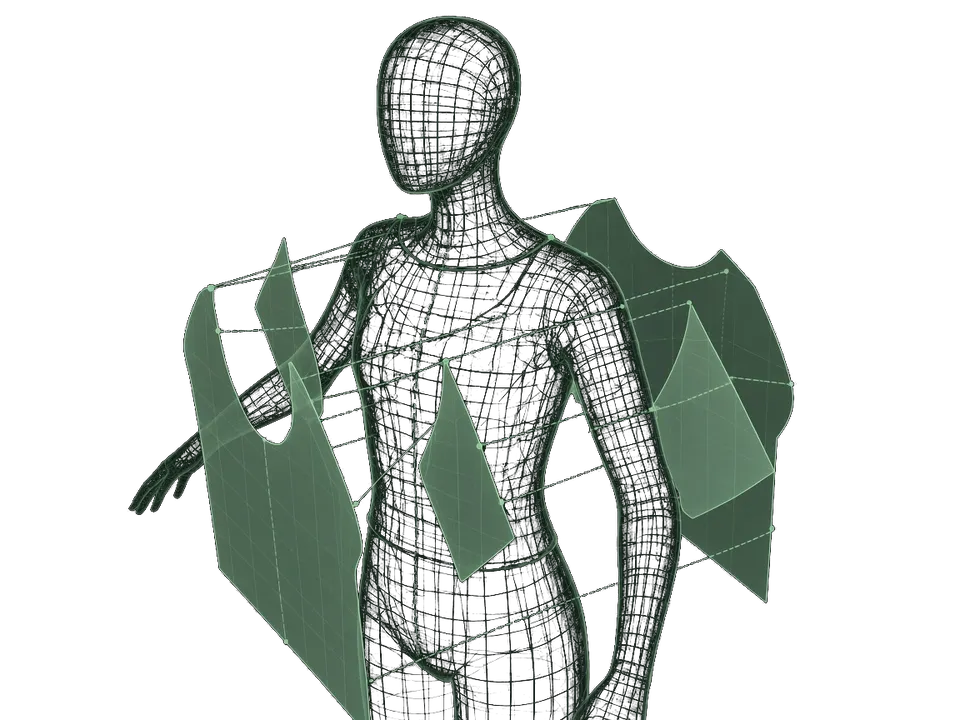
In-browser sim, or fall back to the server
Bodies
Bodies that fit your brief
Build a body with your own measurements — then drape cloth onto it.
- Pick from reference library
- Search by measurements
- Upload a mesh
- Build with sliders
Bodies
Print true-scale patterns
PDF or SVG where 1 cm on the pattern is 1 cm on paper at 100% — A4 tiling with overlap for large sheets.
Account
Save designs and reopen anytime
Sign in, save to the server, and reopen from your `/designs` catalog whenever you need.